How to add the Widget Hero widget on Android
Step by step: place the widget on your home screen, and what to do if it doesn’t show up.

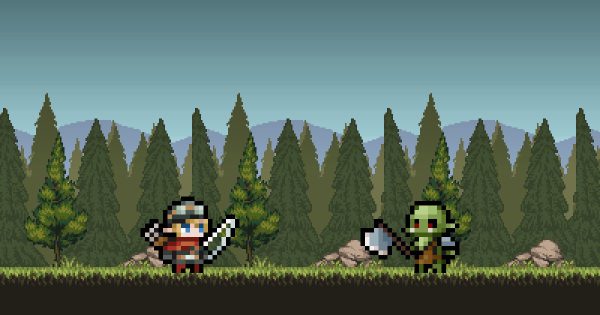
In Widget Hero RPG, your hero fights in a widget on your home screen. No widget, no game: here’s how to add it in under a minute.
The fastest way: from the app
On most phones, the app shows an “Add the widget now” button. Tap it, then confirm: Android places the widget for you.
By hand, in 4 steps
- On your home screen, long-press an empty spot.
- Tap “Widgets”.
- Look for “Widget Hero RPG” and choose “Widget Hero”.
- Drag it onto your screen: your hero sets off on an adventure!
The widget is designed for a 4 × 2 size. Pick a home screen page with enough room.
Allow alarms
The app may ask you to allow alarms. Accept: that’s what lets the widget update on schedule, so the battle keeps moving.
The widget doesn’t show up?
- Open the app at least once and sign in: the widget needs your game.
- Search the widget list with the magnifying glass by typing “Widget Hero”.
- Battery saver: some manufacturers put apps to sleep. In your battery settings, let Widget Hero RPG run without restrictions.
- Remove and re-add the widget if nothing moves after an app update.
Now what?
Your hero fights on its own. Come back to the app to open your chests and gear up: our beginner’s guide explains what comes next.