Widget and progress: how your game is saved
The battle runs on your phone, your progress is kept on your account. Here’s how the two talk to each other.
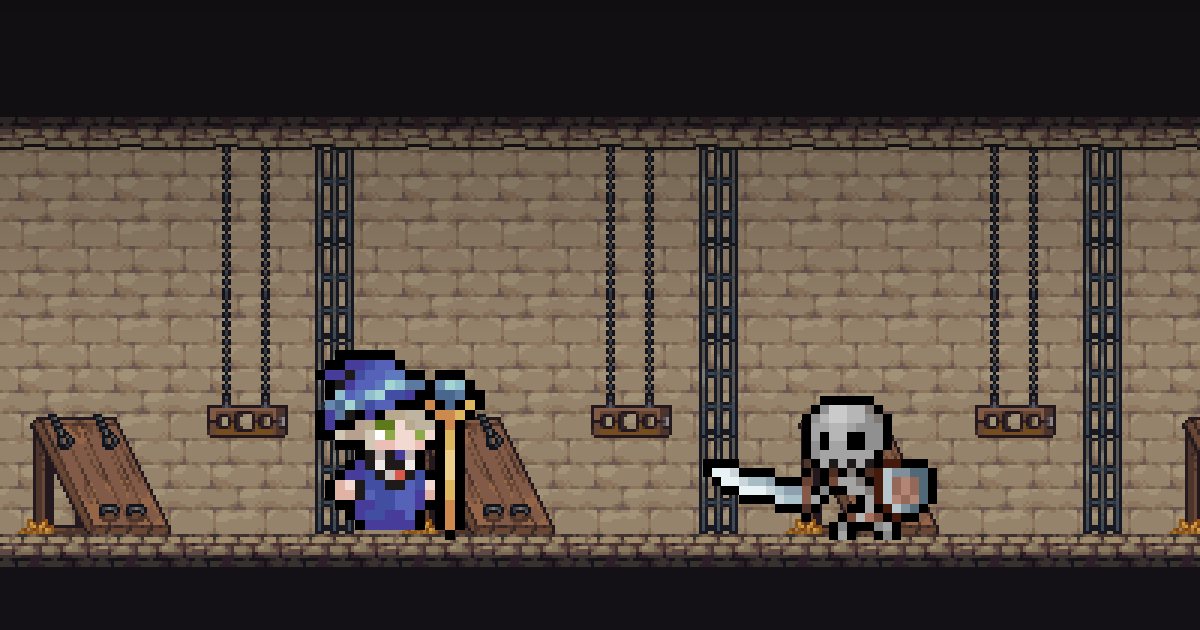
Your hero fights in the widget, but your game is saved to your account. Understanding how the two talk to each other helps you lose nothing.
The battle runs on your phone
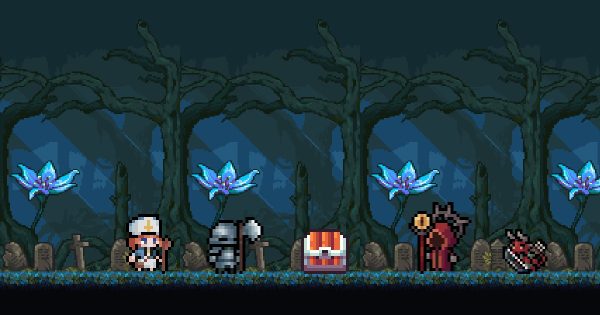
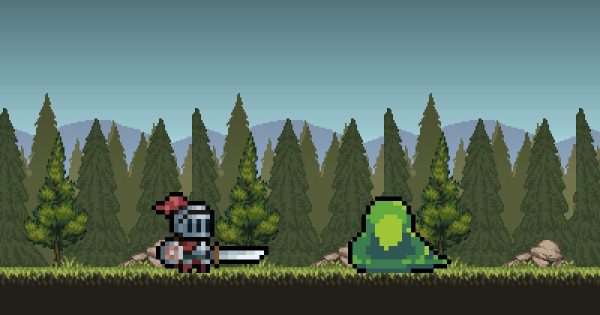
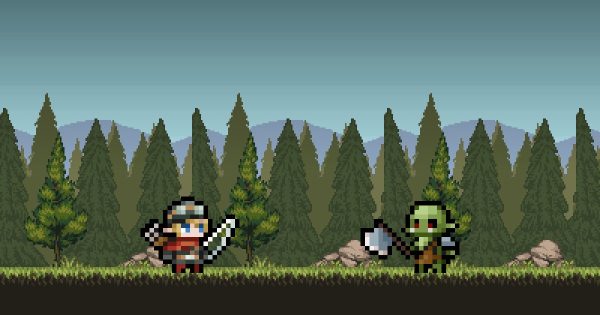
The widget plays the battles right on your phone, with the same rules as the app’s Game page. That’s why your hero moves forward even with the app closed.
Your progress is kept on your account
When you open the app, what your hero played is sent to the server, which credits what it earned: gold, experience, chests, monsters defeated for pets. Your game is then reloaded, and the widget carries on with your up-to-date gear and skills.
In short: open the app now and then. That’s when your earnings are counted and you can open your chests.
Watch out for full bags
Chests wait in two bags (monster and chief) of 5 chests each, 10 with Widget Hero PRO. When a bag is full, new chests are lost. Runes from the Tree can enlarge the bags, and even open chests automatically.
Changing phones
Since everything is on your account, just install the app on the new phone and sign in with the same email. If you have Widget Hero PRO, tap “Restore” on the PRO screen: Google Play links it back to your account.
If the widget seems frozen
- Open the app: syncing brings everything up to date.
- Check that you have an internet connection.
- Allow alarms and remove battery restrictions for Widget Hero RPG.
- As a last resort, remove the widget and add it again.